



Editor Help
Keyboard Shortcuts
| Shortcut | Action |
|---|---|
Ctrl+S | Export markdown file |
Delete | Remove selected block |
Ctrl+D | Duplicate selected block |
Editor Tips
- Click any block to edit its properties
- Drag blocks to reorder
- Use Split view to see changes live
- Markdown view shows raw output
- Import existing .md files to continue editing
- Export saves to downloads folder
Block Types
| Block | Use For |
|---|---|
| Heading | Section titles (h1-h6) |
| Paragraph | Body text, supports markdown |
| Image | Single image with caption |
| Code | Code snippets with syntax highlighting |
| Table | Data tables |
| List | Bullet or numbered lists |
| Blockquote | Quoted text |
| Divider | Horizontal separator |
Inline Hover Components
The paragraph rich text editor includes buttons to insert hover components that show tooltips when readers hover over them.
SkillHover
Insert an inline skill reference that shows skill details on hover:
<SkillHover id="10071">Skill Name</SkillHover>id: The skill ID from the database- Text between tags: Display text (falls back to skill name if empty)
UmaHover
Insert an inline character reference that shows character details on hover:
<UmaHover cardId="100101">Special Week</UmaHover>cardId: The character card ID from the database- Text between tags: Display text (falls back to character name if empty)
SupportCardHover
Insert an inline support card reference that shows card details on hover:
<SupportCardHover supportCardId="30001">Support Card Name</SupportCardHover>supportCardId: The support card ID from the database- Text between tags: Display text (falls back to card name if empty)
GlossaryHover
Insert an inline glossary term reference that shows the term's definition on hover. Insert via the Term button in the editor toolbar, which opens a glossary search.
<GlossaryHover term="Accel Zone">Accel Zone</GlossaryHover>term: The glossary term name (aliases also work, e.g.term="Final Leg")- Text between tags: Display text (falls back to the term name if empty)
- The tooltip shows the definition, aliases, and a link to the full glossary page
Examples:
The Accel Zone is where acceleration skills matter most.
Custom display text: don't fail your chain events.
Alias lookup: Accel Zone resolves to the same entry as Accel Zone.
Inline Icons
Insert small inline icons via the Icons dropdown in the editor toolbar. All render at text height and flow with the surrounding text.
Stat icons (Speed, Stamina, Power, Guts, Wit):
<TypeIcon type="speed" />




type:speed,stamina,power,guts,wit
Running style icons (Front Runner, Pace Chaser, Late Surger, End Closer):
<StyleIcon type="front" />



type:front,pace,late,end
Grand Concert token icons (Dance, Passion, Vocal, Visual, Mental):
<GLIcon type="dance" />


type:dance,passion,vocal,visual,mental
UmaStandInline
Insert a character's full-body stand art inline. Insert via More > Uma Stand (Inline Image) in the editor toolbar, which opens a character search.
<UmaStandInline cardId="100101" />cardId: The character card ID (charaId + outfit), e.g.100101size: Size as a percentage of the default width, default100.150is half again as large,50is half size. A bare number ("150") or a percent string ("150%") both work.showName: Add the character's name below the image (default off)link: Link to the character detail page (default on, set:link="false"to disable)align:leftorrightfloats the stand so body text wraps around it
Sizing:
<UmaStandInline cardId="100101" size="60" />
<UmaStandInline cardId="100101" size="100" />
<UmaStandInline cardId="100101" size="150" />
With a name label:
<UmaStandInline cardId="100101" size="80" showName />Wrapping text around a stand:
<UmaStandInline cardId="100101" size="70" align="right" />Sizes stay responsive: the percentage scales the default width, which itself shrinks on tablet and mobile, so a size="150" stand will not overflow a phone screen.
SupportCardStats
Display a support card's stat progression table:
<SupportCardStats supportCardId="30001" />supportCardId: The support card ID from the database- Shows effect values at each level breakpoint
- Highlights unique effect bonuses
DeckShowcase
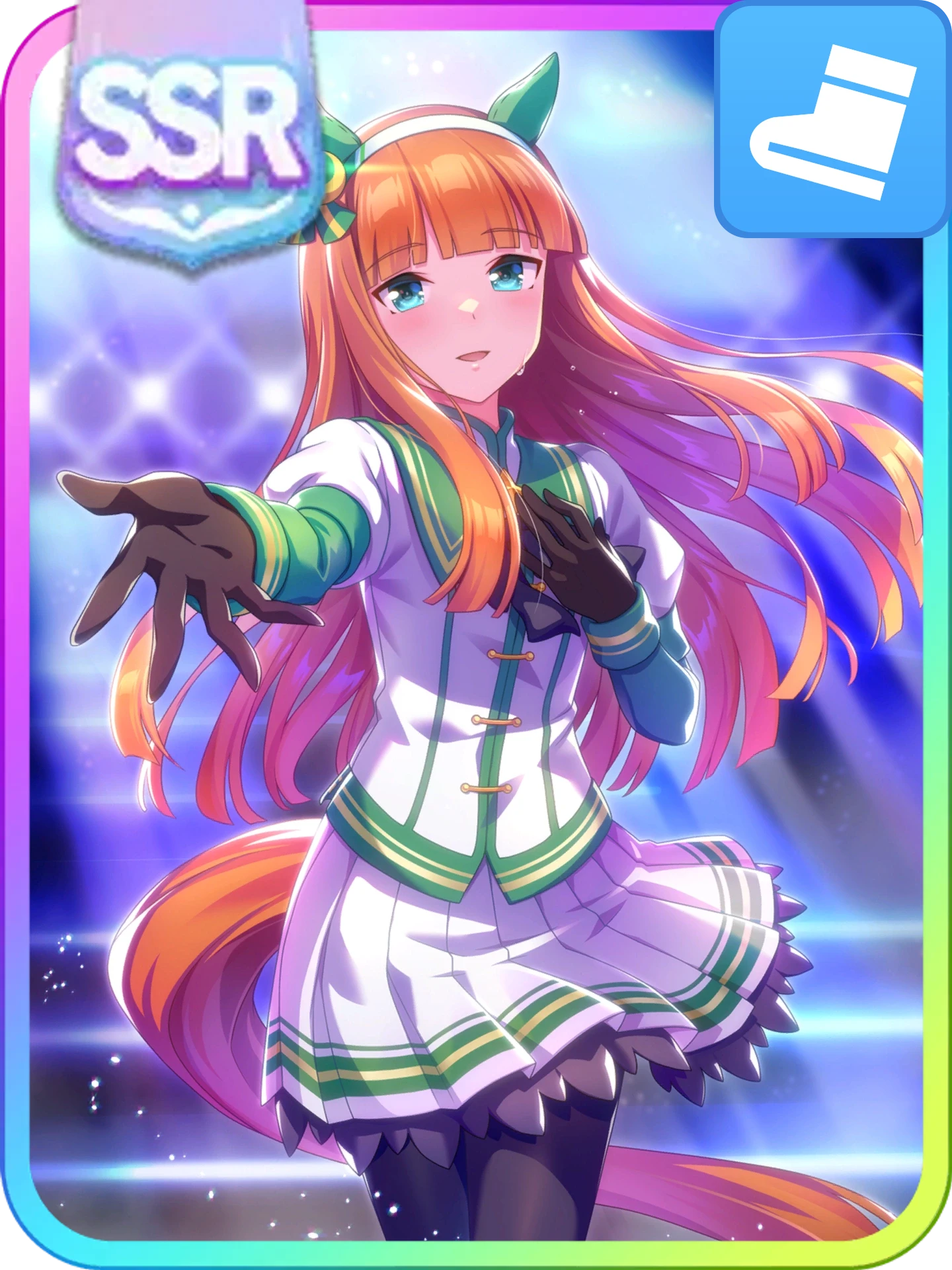
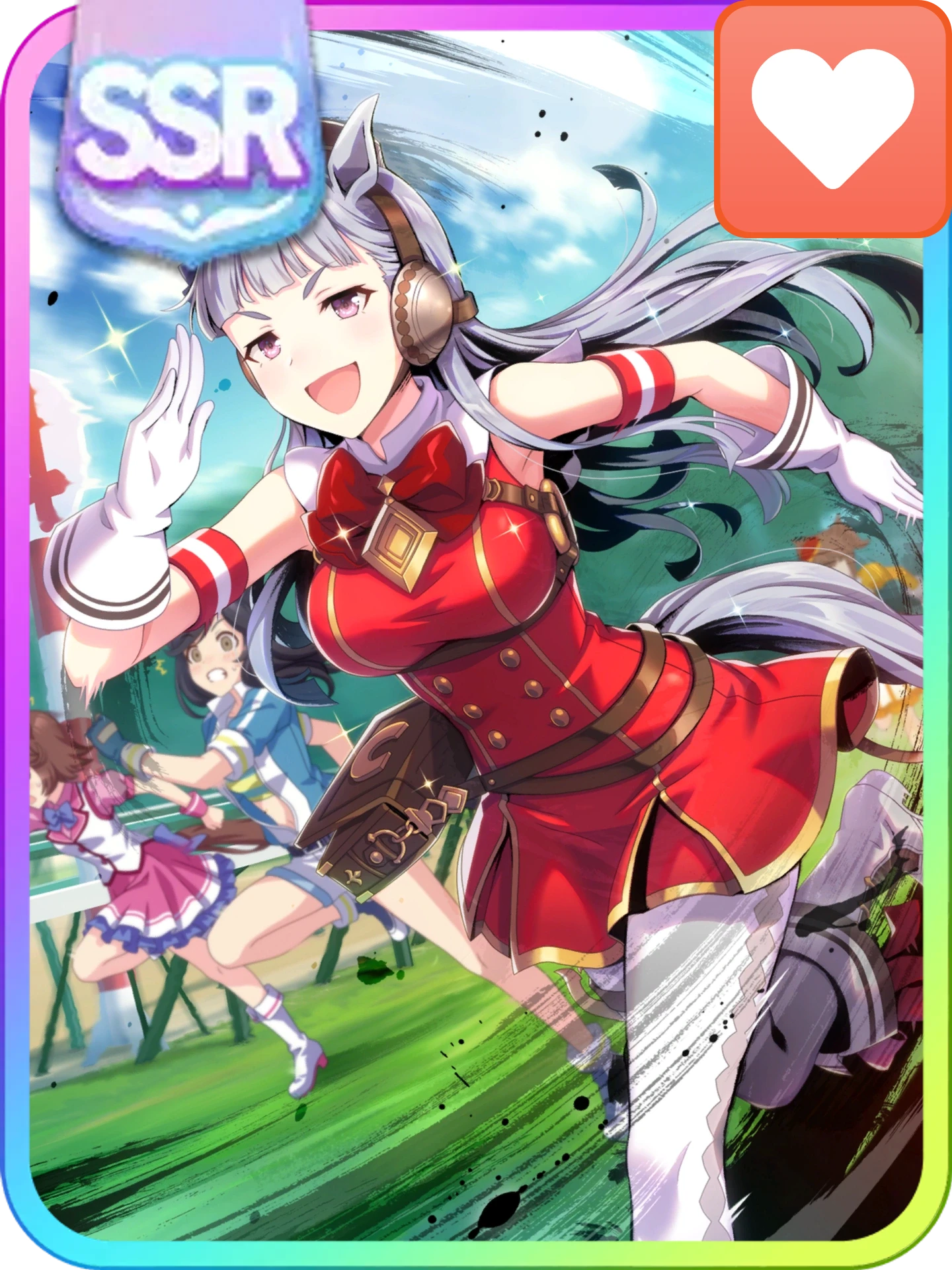
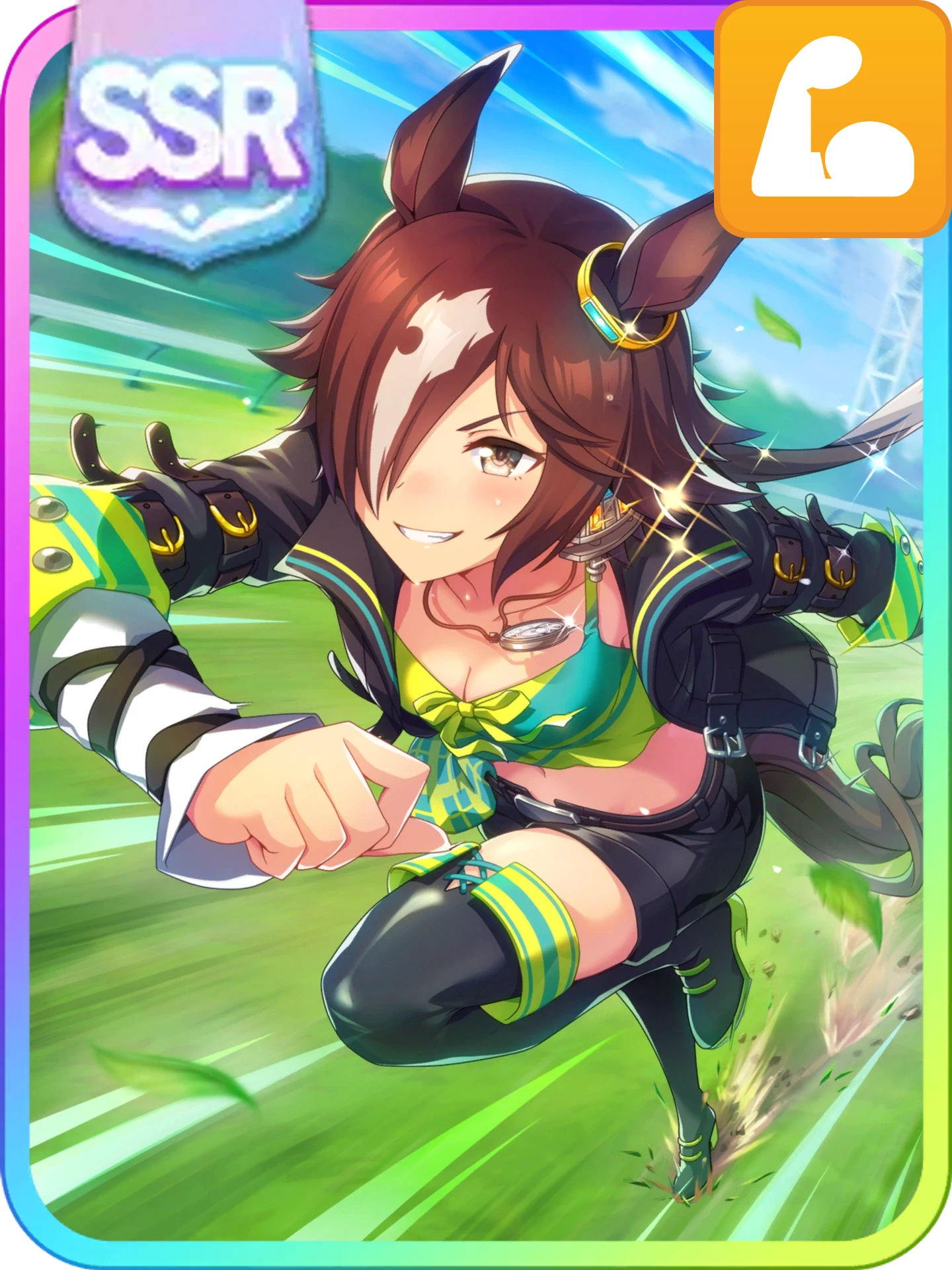
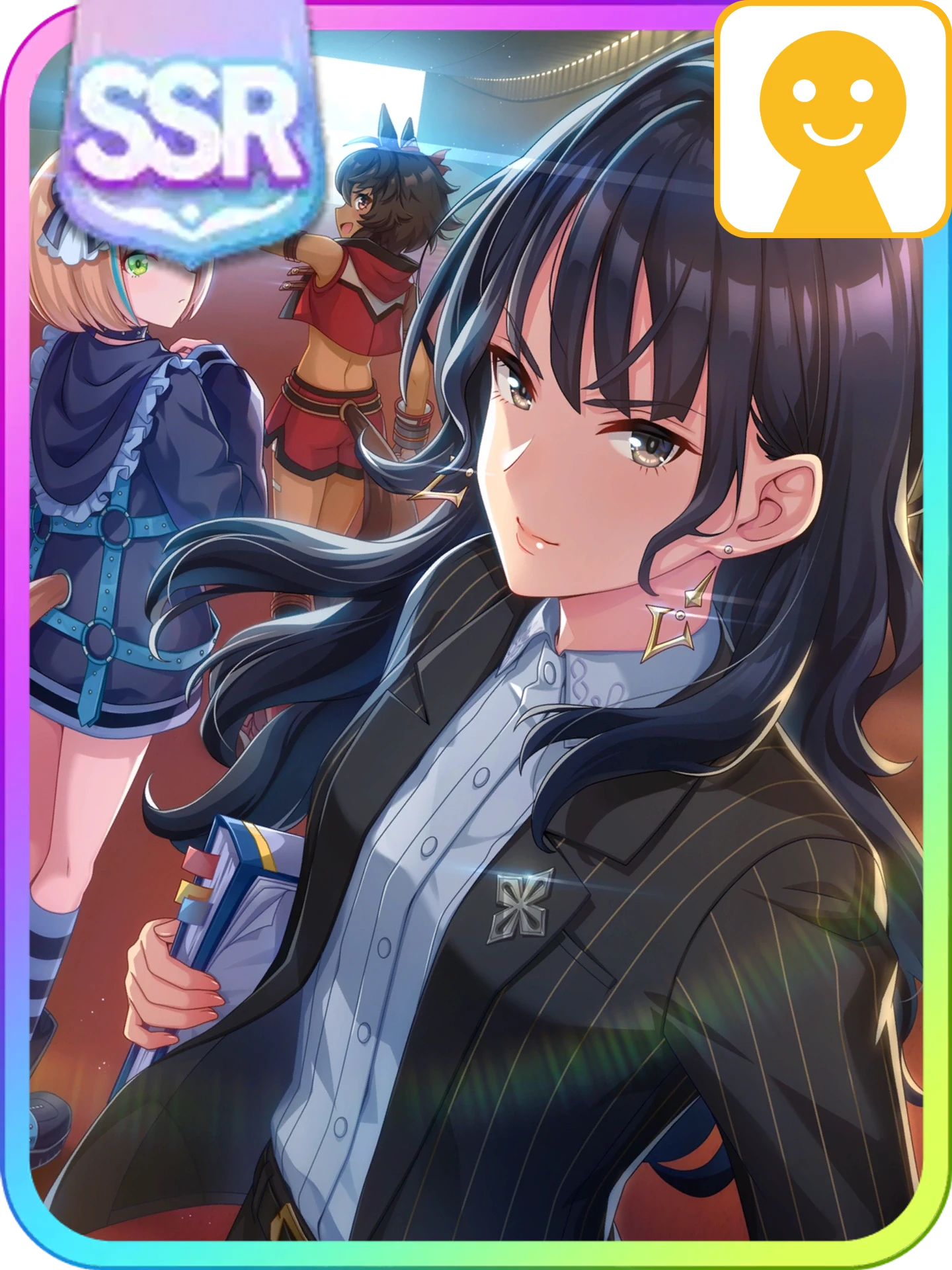
Display high-res support card decks. Three usage modes:
Single deck:
<DeckShowcase name="Speed Deck" cards="30001 30002 30003 30004 30005 30036" />

Multiple decks (compact string, pipe-separated):
<DeckShowcase
  decks="Speed: 30001 30002 30003 30004 30005 30036 | Wit: 30010 30054 30068 30001 30019 30036"
  columns="2"
/>


Multiple decks (slot-based, most flexible):
<DeckShowcase columns="3">
  <DeckShowcaseItem name="Speed" cards="30001 30002 30003 30004 30005 30036" />
  <DeckShowcaseItem name="Wit" cards="30010 30054 30068 30001 30019 30036" />
  <DeckShowcaseItem name="Balanced" cards="30001 30019 30010 30054 30036 30068" />
</DeckShowcase>cards: Space-separated support card IDs (commas also work)name: Optional label shown above the deckdecks: Pipe-separated deck definitions in formatName: id1 id2 id3 id4 id5 id6columns: Number of columns in the grid (defaults to number of decks, max 3)size:"small"(25% width),"default"(50% width),"large"(full width)- Each card links to its detail page and renders with frame, type icon, and rarity badge
Sizes:
Small:
Default:
Large:
AgendaShowcase
Embed a read-only race agenda from the Agenda Planner. Build your plan in the planner, click Share, and paste the share link (or just its data= code) into the component:
<AgendaShowcase
  name="Example URA Route"
  data="https://uma.guide/agenda-planner/?data=a2%7C15.9u.4j.4u.53"
/>The share code alone also works:
<AgendaShowcase data="a2|15.9u.4j.4u.53" />Props:
data(required): Agenda Planner share link,data=...query string, or raw share codename: Optional title shown above the calendar (defaults to "Race Agenda")
Readers get an "Open in Agenda Planner" link that loads the plan into the full planner. Insert via More → Agenda Showcase in the editor toolbar.
StatBox
Display recommended stat targets as styled boxes — matches the in-game stat UI.
Single stat:
<StatBox speed="1200" /> Speed
SpeedMultiple stats (individual props):
<StatBox speed="1200" stamina="601" power="1000+" guts="901+" wit="1000+" /> Stamina
 Power
Power Guts
Guts Wit
WitMultiple stats (compact string):
<StatBox stats="speed:1200 stamina:601 power:1000+ guts:901+ wit:1000+" />Recovery skill icons:
<StatBox stamina="800+1g" />
<StatBox stamina="800+1g+2w" /> 1Stamina1
 2
2Props:
speed,stamina,power,guts,wit: Stat values. Append+to show a plus sign (e.g."1000+")stats: Compact string alternative — space or comma-separatedstat:valuepairs
Only stats with a value are rendered. Omit a stat to hide it.
Any stat (usually stamina) can carry recovery skill icons by appending +<count>g for gold recovery skills and +<count>w for white ones — e.g. "800+1g+2w" shows a gold icon with a 1 and a white icon with a 2, tucked into the bottom-right corner of the box. Each rarity gets one icon with its count next to it, so at most two rows are drawn. Combine with the plus sign by doubling it: "800++1g".
ExpandableSection
A collapsible card with a title, up to three images, and a dropdown arrow — same style as banner reviews. Content inside the tags is shown when expanded.
Text only:
<ExpandableSection title="My Section">

Your content here. Supports full markdown.

</ExpandableSection>
With images (left / middle / right — all optional):
<ExpandableSection
  title="My Section"
  leftImage="/img/my-left.webp"
  middleImage="/img/my-middle.webp"
  rightImage="/img/my-right.webp"
>

Your content here.

</ExpandableSection>
Example — text only:
<ExpandableSection title="Example Section" defaultExpanded>

This text is inside the expandable section. You can use **bold**, *italic*, lists, and any other markdown here.

- Bullet one
- Bullet two

</ExpandableSection>
Example — with images:
<ExpandableSection
  title="Example with Images"
  leftImage="/img/banner-reviews/badges/importance-must.webp"
  middleImage="/img/banner-reviews/badges/importance-good.webp"
  rightImage="/img/banner-reviews/badges/importance-skip.webp"
  leftAlt="Must"
  middleAlt="Good"
  rightAlt="Skip"
>

Images appear to the right of the title in the collapsed header.

</ExpandableSection>


Example — custom image size:
<ExpandableSection
  title="Example with Smaller Images"
  leftImage="/img/banner-reviews/badges/importance-must.webp"
  middleImage="/img/banner-reviews/badges/importance-good.webp"
  rightImage="/img/banner-reviews/badges/importance-skip.webp"
  imageSize="36"
>

Images are 36px tall here instead of the default 72px.

</ExpandableSection>Image paths use the same root-relative format as all VitePress assets — starting with / from the public/ folder. For example, an image at docs/src/public/img/guides/my-image.webp is referenced as /img/guides/my-image.webp.
Props:
title(required): Text shown in the collapsed headerleftImage,middleImage,rightImage: Image URLs shown right of the title (all optional, use any combination)leftAlt,middleAlt,rightAlt: Alt text for the corresponding imagesimageSize: Height in pixels for all images (width scales automatically to preserve aspect ratio). Defaults to72defaultExpanded: Set totrueto start expanded
Insert via More → Expandable Section in the editor toolbar.
ChatBubble
A speech bubble with an optional speaker name and avatar, styled like the Home Conversations reader. Stack several to build a conversation. Content inside the tags supports markdown (bold, italic, links, hovers).
<ChatBubble name="Speaker Name" side="left" chara="1013">

Your message here.

</ChatBubble>
Example:
<ChatBubble name="Mejiro McQueen" chara="1013" color="#c97fa0">
...That sums it up quite nicely. What do you think, Rice?
</ChatBubble>
<ChatBubble name="Rice Shower" chara="1030" side="right" color="#7aaed4">
Umm... I must say it sounds... quite nice.
</ChatBubble>
<ChatBubble name="Mejiro McQueen" chara="1013" color="#c97fa0">
U-um, Rice... What did you... just say?
</ChatBubble>
<ChatBubble name="Rice Shower" image="/icon/uma/chr_icon_1030_103001_01.webp" side="right" color="#7aaed4" background="#7aaed422">
Um... I am simply trying to... **emulate** you?
</ChatBubble> Mejiro McQueen
...That sums it up quite nicely. What do you think, Rice?
 Rice Shower
Umm... I must say it sounds... quite nice.
Mejiro McQueenU-um, Rice... What did you... just say?
Rice ShowerUm... I am simply trying to... emulate you?
Example: one speaker, longer message:
A single bubble works on its own and grows to fit its content. Separate paragraphs with a blank line.
<ChatBubble name="Mejiro McQueen" chara="1013" color="#c97fa0">

Listen closely, Trainer. Before we begin this season, I would like us to agree on a few things.

First, **stamina comes first**. A Mejiro does not falter on the long stretch, and I have no intention of being the first.

Second, I expect a proper plan for the Tenno Sho. Not a vague idea, a *plan*:

- Which races we enter beforehand
- When we rest
- How much sweets I am permitted in the meantime

And third... that last point is not negotiable. Please remember that.

</ChatBubble>Listen closely, Trainer. Before we begin this season, I would like us to agree on a few things.
First, stamina comes first. A Mejiro does not falter on the long stretch, and I have no intention of being the first.
Second, I expect a proper plan for the Tenno Sho. Not a vague idea, a plan:
- Which races we enter beforehand
- When we rest
- How much sweets I am permitted in the meantime
And third... that last point is not negotiable. Please remember that.
Leave a blank line after the opening tag and before the closing tag, or markdown inside the bubble will not render.
Props:
name: Speaker name shown above the bubbleside:left(default) orrightimage: Profile picture path for the speakerchara: Character ID. Shortcut that uses that character's default icon as the profile picture.imagetakes priority if both are setcolor: Accent colour for the name and bubble border (any CSS colour)background: Bubble background colour (any CSS colour)
Every prop is optional. With no name, chara or image, only the bubble is shown.
Character IDs are the 4-digit number in a character's icon filename, for example 1013 in /icon/uma/chr_icon_1013_101301_01.webp.
Insert via More → Chat Bubble in the editor toolbar.
Frontmatter Reference
Article Layout
Pages with author use article layout automatically. Force it without author:
---
articleLayout: true
---
Featured Guides
Display prominently on guides page:
---
featured: true
---
Order
Control the display order on the guides page. Bigger numbers appear first (higher priority):
---
order: 100
---
Guides with order appear before guides without it. Guides without order fall back to date sorting.
Thumbnail
Add a thumbnail image for guide cards on the guides index page:
---
thumbnail: /img/guides/my-thumbnail.png
---
Place images in docs/src/public/img/guides/ and reference them with the path starting from /img/.
Date
Set the publication date (used for sorting, newest first):
---
date: 2026-01-21
---
Guide Categories
Guides can belong to one or more categories. Use an array format:
| Category ID | Label |
|---|---|
beginner | Beginner |
race-mechanics | Race Mechanics |
champions-meeting | Champion's Meeting |
team-trials | Team Trials |
career | Career |
gacha | Gacha |
research | Research |
Single category:
---
category: [beginner]
---
Multiple categories:
---
category: [beginner, race-mechanics]
---
Disable Custom Layouts
---
customLayout: false    # Default VitePress page layout
customHome: false      # Default VitePress home layout
---
Complete Example
---
title: My Guide Title
description: Brief description
category: [beginner, race-mechanics]
tags: [tag1, tag2]
featured: true
author: Your Name
date: 2026-01-21
thumbnail: /img/guides/my-guide.png
---